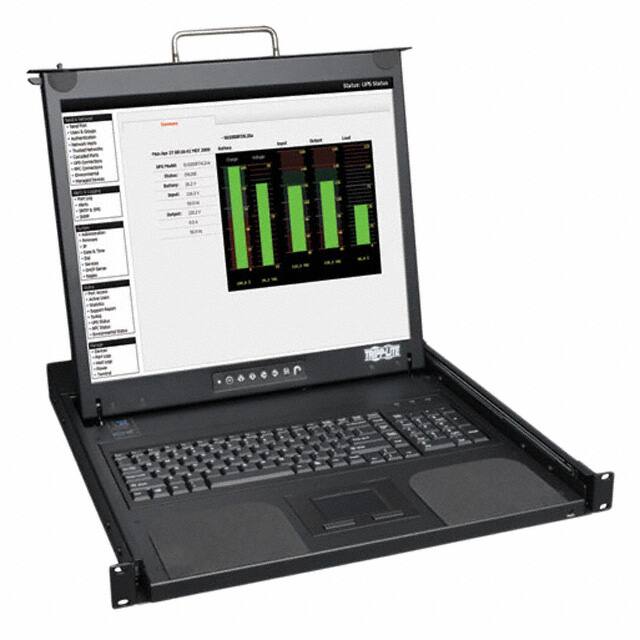
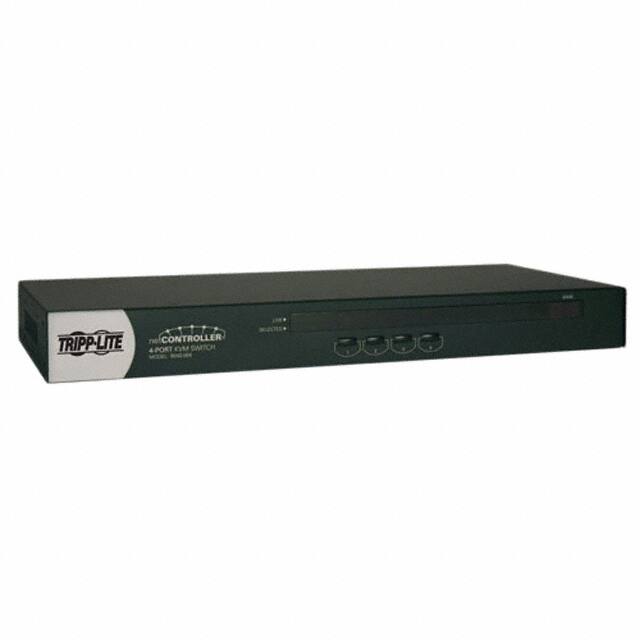
What is a KVM switch and how does it function in a computer equipment setup?
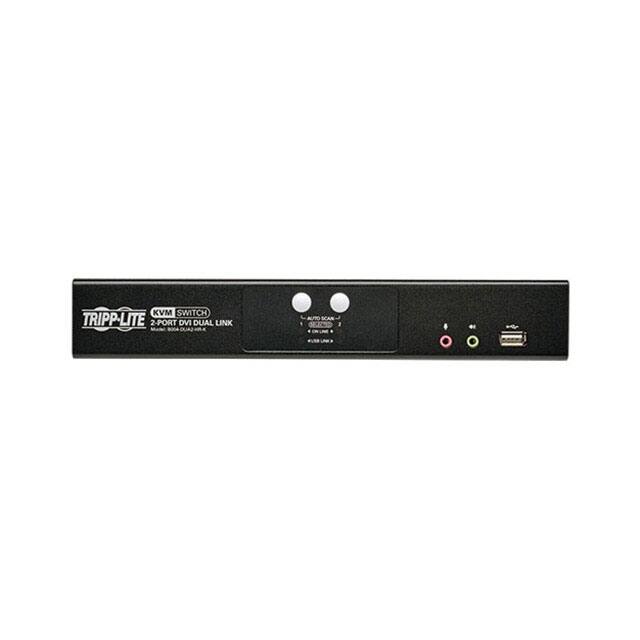
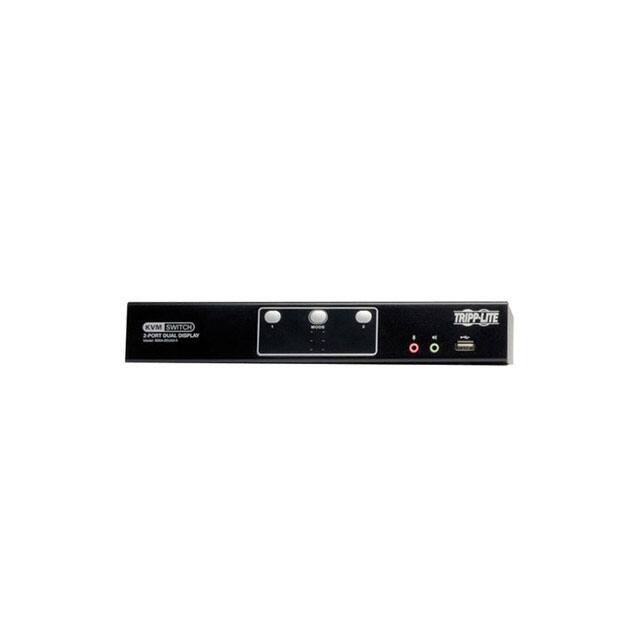
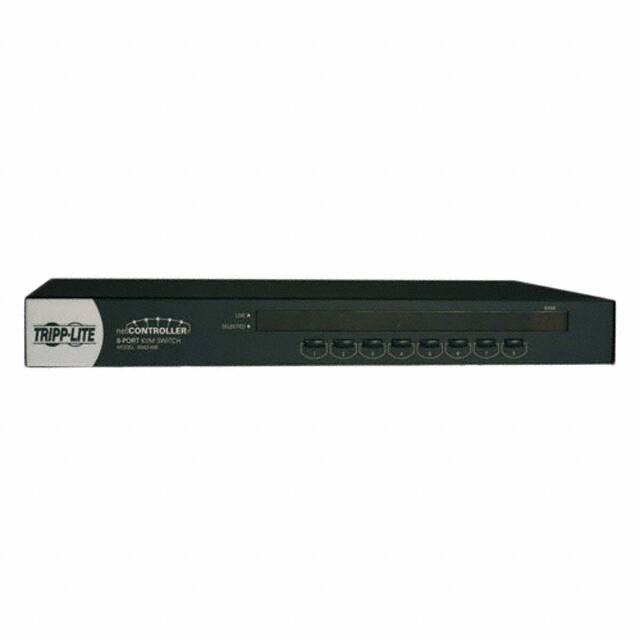
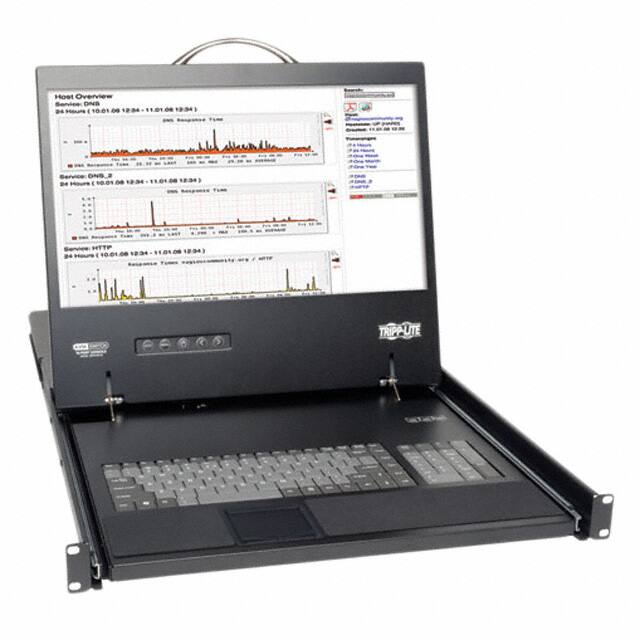
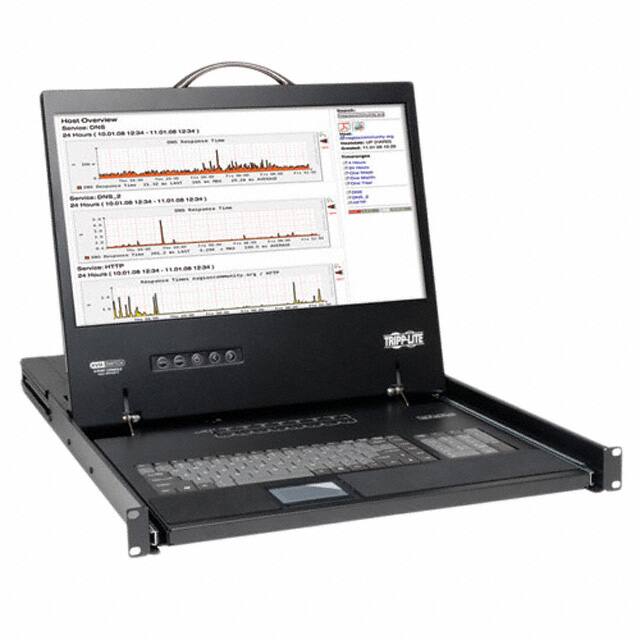
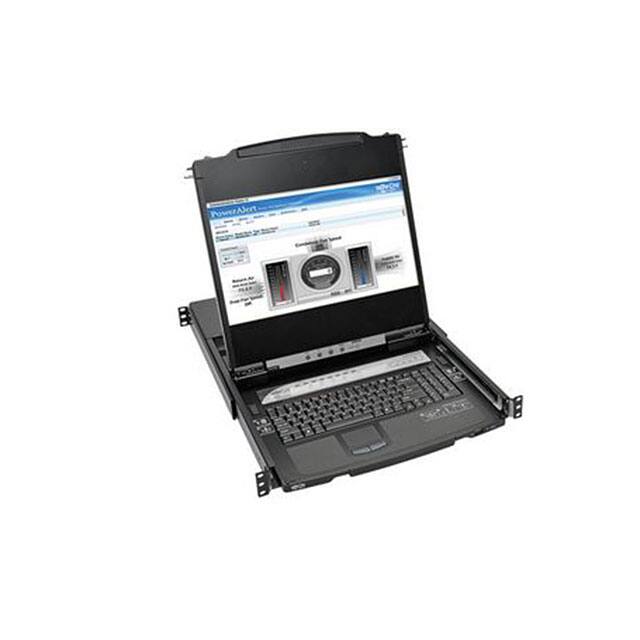
A KVM switch (Keyboard Video Mouse switch) allows users to control multiple computers from a single keyboard, monitor, and mouse. It functions by connecting the peripherals to the switch, which then connects to multiple computers, enabling seamless switching between them.
What are the benefits of using KVM switches in a data center environment?
KVM switches provide several benefits in a data center, including reduced space and power consumption, simplified management of multiple servers, enhanced security by limiting physical access to servers, and improved efficiency by allowing IT staff to manage multiple systems from a single workstation.
Are there different types of KVM switches available for various applications?
Yes, there are several types of KVM switches available, including analog KVM switches for basic setups, digital KVM switches for remote access, and IP-based KVM switches that allow users to control computers over a network. Each type is designed to meet specific needs and applications, from small office setups to large enterprise environments.
 info@kynix.com
 00852-6915 1330


 0
0