What is a KVM switch and how does it function in a computer equipment setup?
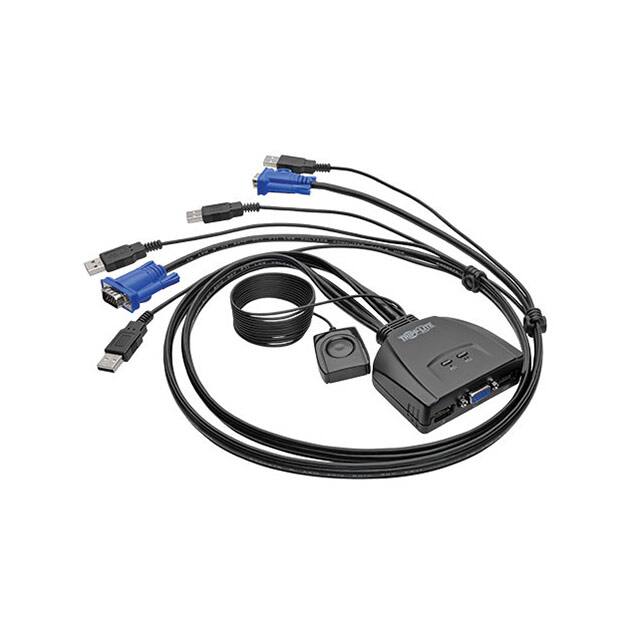
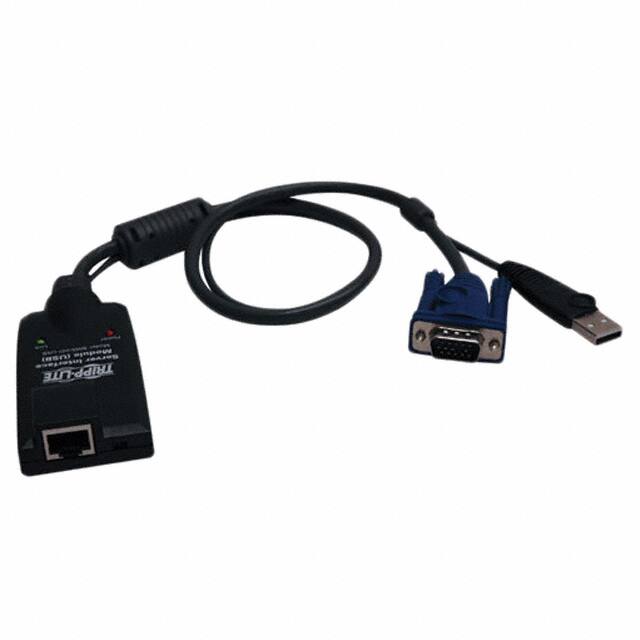
A KVM switch (Keyboard Video Mouse switch) allows users to control multiple computers from a single keyboard, monitor, and mouse. It functions by connecting the KVM switch to the computers and the peripherals, enabling seamless switching between them without the need for multiple sets of input devices.
What types of cables are typically used with KVM switches?
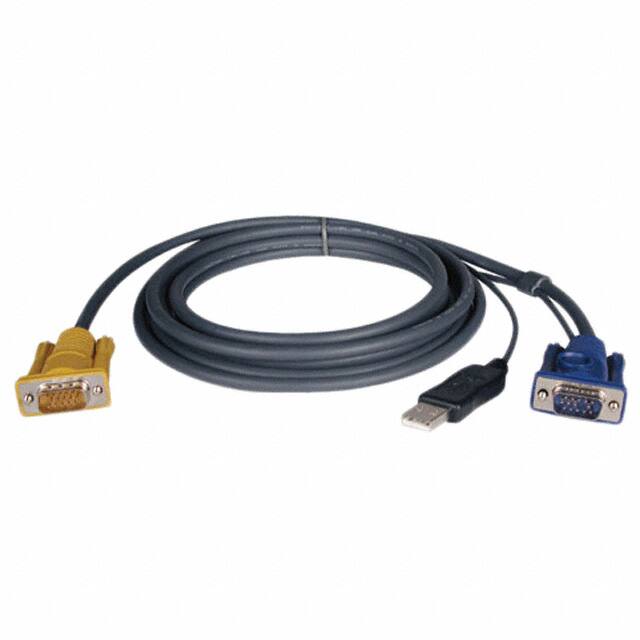
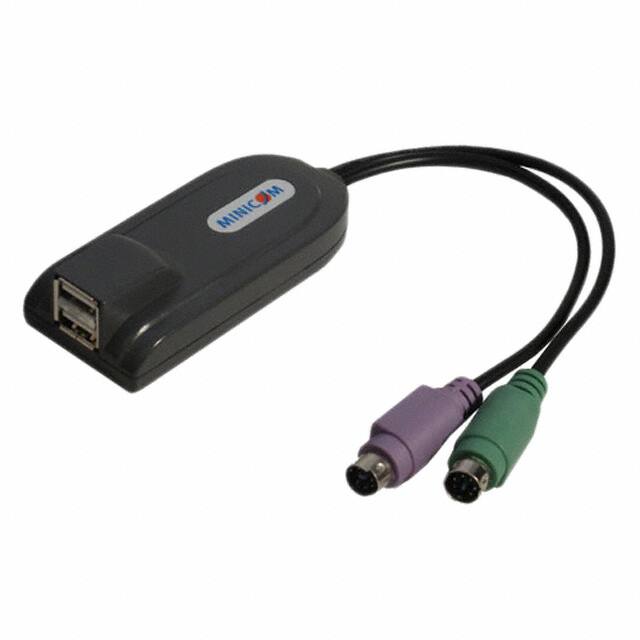
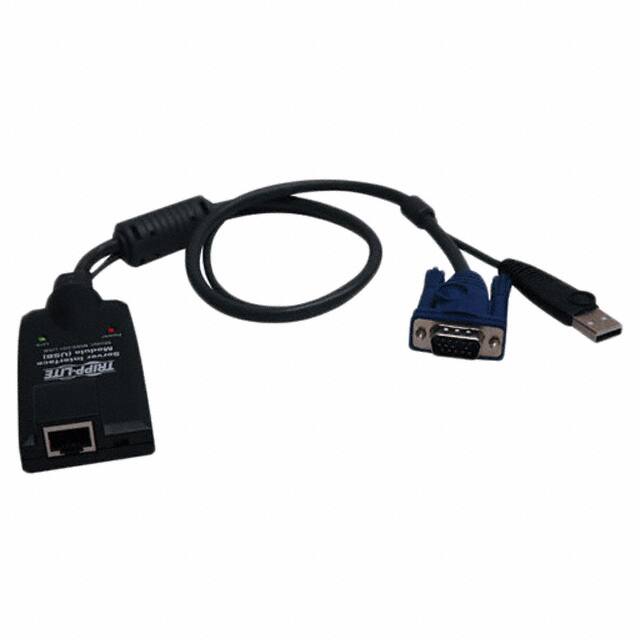
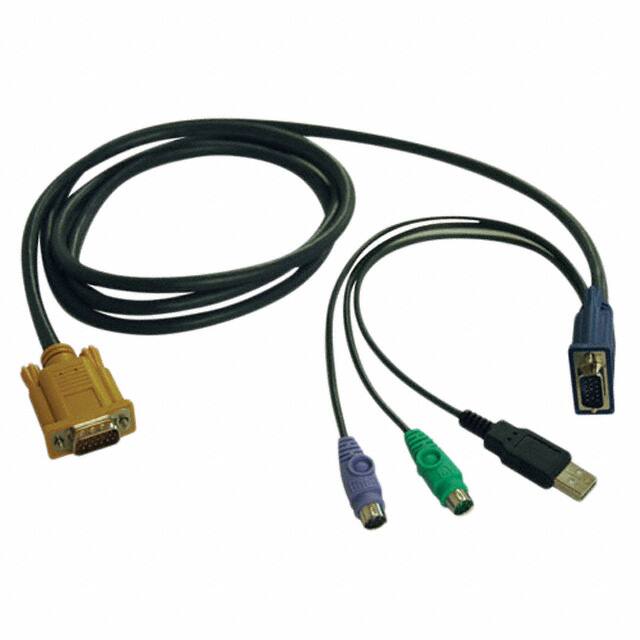
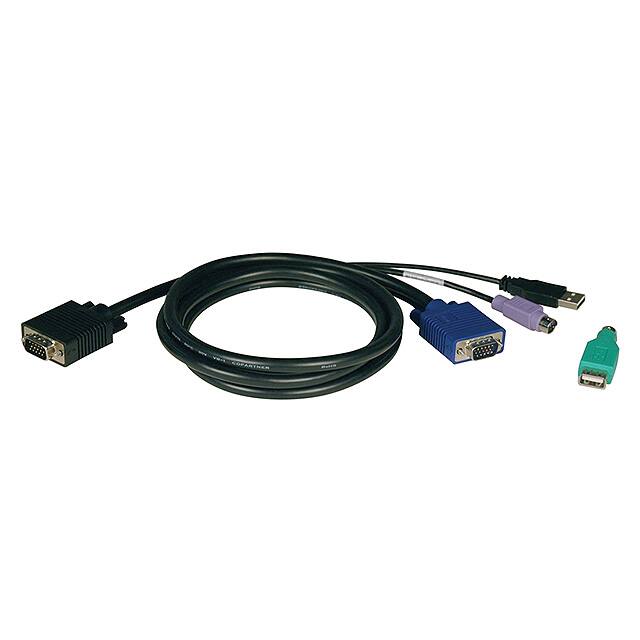
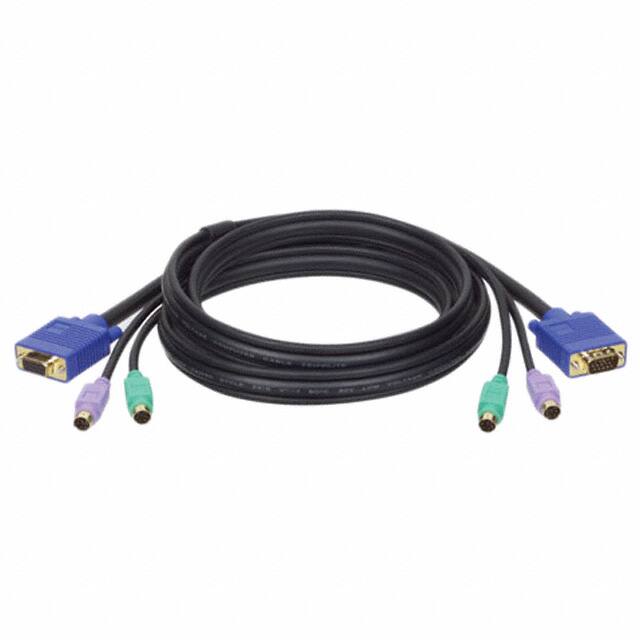
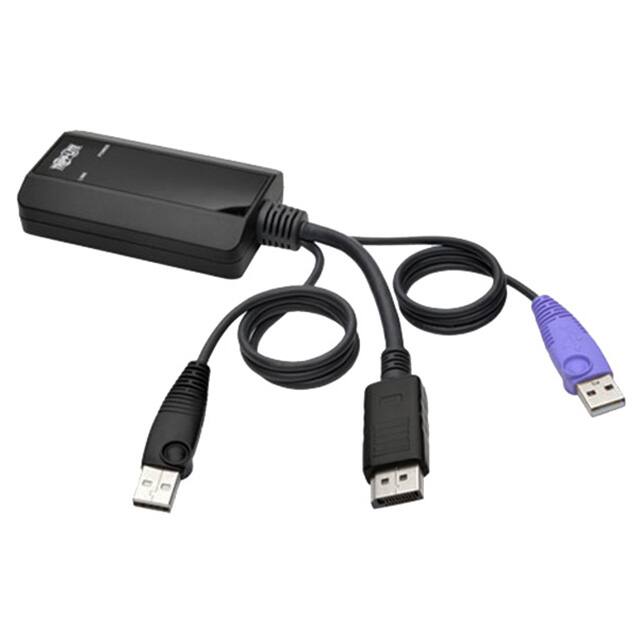
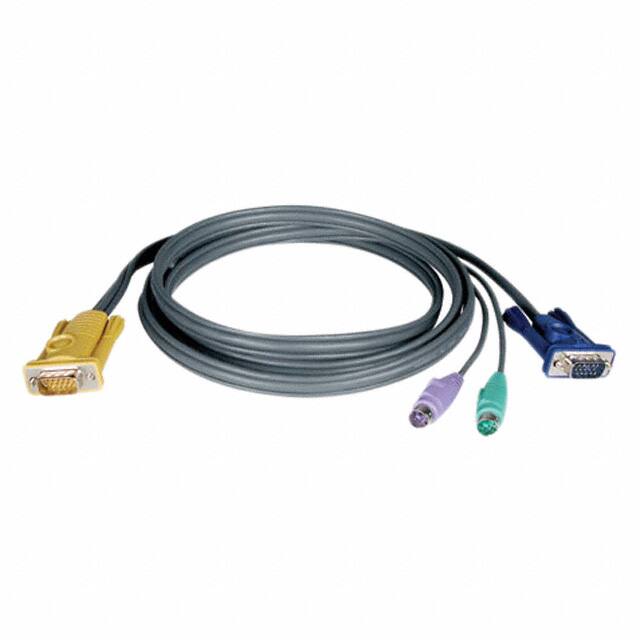
KVM switches commonly use various types of cables, including VGA, HDMI, DVI, USB, and audio cables, depending on the video and audio output requirements of the connected computers. These cables facilitate the transmission of video signals and input commands between the KVM switch and the computers.
What are the benefits of using KVM switches in a multi-computer environment?
The benefits of using KVM switches include reduced desk clutter, increased efficiency by allowing quick switching between computers, cost savings by minimizing the need for multiple peripherals, and improved workspace organization, making it easier to manage multiple systems simultaneously.
 info@kynix.com
 00852-6915 1330


 0
0